Compress photos & video
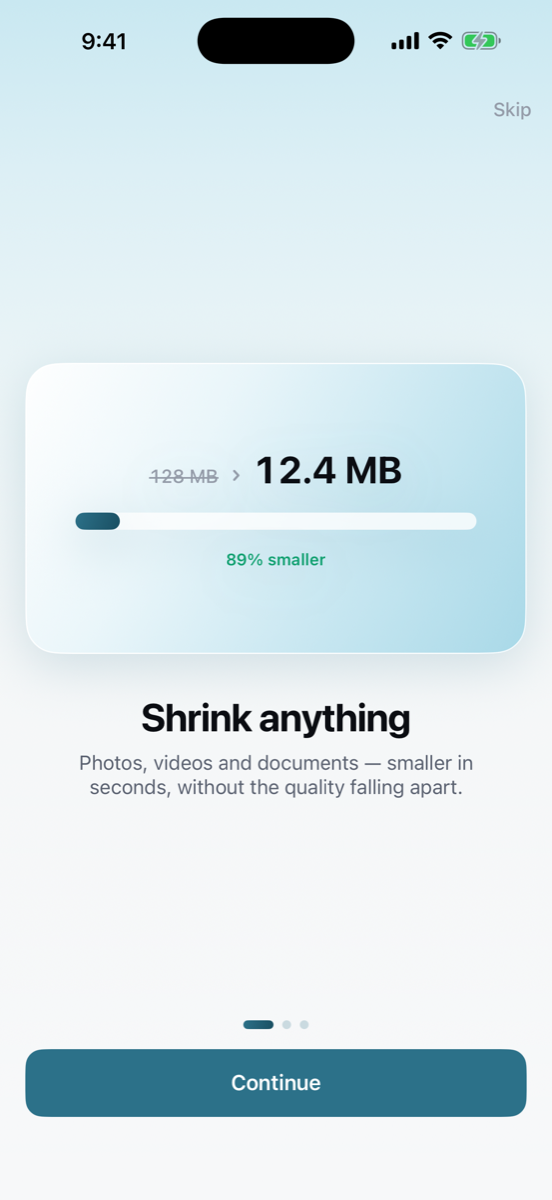
Quality you choose, with a live estimate of the result. Video is re-encoded properly, not just re-wrapped.
iPhone & iPad
Compress photos, videos and PDFs. Convert between PDF, Word, Excel, PowerPoint, images, web pages and more — all of it on your device.
No uploads · No account · No ads
What it does
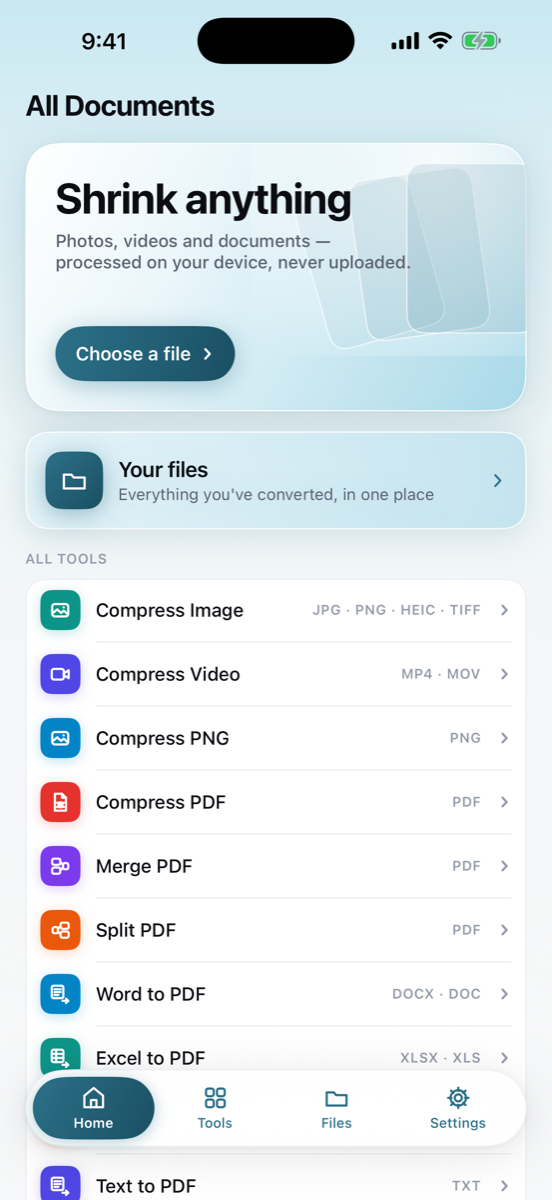
Forty-odd tools built on the formats people actually get stuck with — email attachment limits, upload caps, a document someone sent in the wrong format.
Quality you choose, with a live estimate of the result. Video is re-encoded properly, not just re-wrapped.
JPEG, PNG, HEIC and TIFF in both directions, with page size, orientation and DPI under your control.
DOCX, XLSX and PPTX — plus the older DOC, XLS and PPT — rendered to PDF on the device.
Combine files in the order you set, pull out page ranges, or compress a PDF down to an attachable size.
Zip a batch of files to send in one go, or open an archive someone sent you and pull out what you need.
Everything you make is saved, searchable and shareable — browsing, renaming and sharing never need a subscription.
How it works
From Files, from Photos, from something shared with you, or from anything you've already converted.
Choose a preset or tune it yourself. The estimated output size updates as you move the slider.
See exactly how much smaller it got, then send it on, save it to Files, or put it back in Photos.
Formats
PDF sits at the centre, so most conversions are one step and the rest are two.
Private by design
There is no server to upload to. Every compression and every conversion runs on the device in your hand, which is why the whole app works in airplane mode. Nothing is collected, nothing is tracked, and there is no account to create.
Pricing
Three conversions are on the house, one file at a time. The file manager stays free no matter what.
Prices are in US dollars and may differ in your region — the App Store shows the exact amount before you confirm. Subscriptions renew automatically until cancelled; you can cancel any time in your App Store account settings.
Questions
No. Compression and conversion both run on your device, which is why everything works with no connection at all. There is no server involved in handling your files.
Yes, completely. The only thing that needs a connection is the App Store, when you subscribe or restore a purchase.
Open the Settings app on your device, tap your name, then Subscriptions, and cancel there. You keep access until the end of the period you've already paid for.
No. Sign in with the same Apple Account and tap Restore Purchases in the app's settings, and your subscription comes back.
Office documents and web pages usually convert to PDF very closely. Converting out of PDF extracts the text and images, so fonts, columns and exact positioning can shift — the app tells you when that applies before you start.
Three conversions, using any tool you like, at full quality and with no watermark — one file per conversion. Processing a whole batch in one go is part of Pro. Browsing, previewing and sharing files you've already made is free forever.
iPhone and iPad running iOS 17 or later.